
Not every ticket sells online. Cash at the bar, a check from a board member, a paper form from the church picnic — this is where those go. No payment is processed here; it’s record-keeping, so every real-world sale lands in the same drawing pool as your online orders.
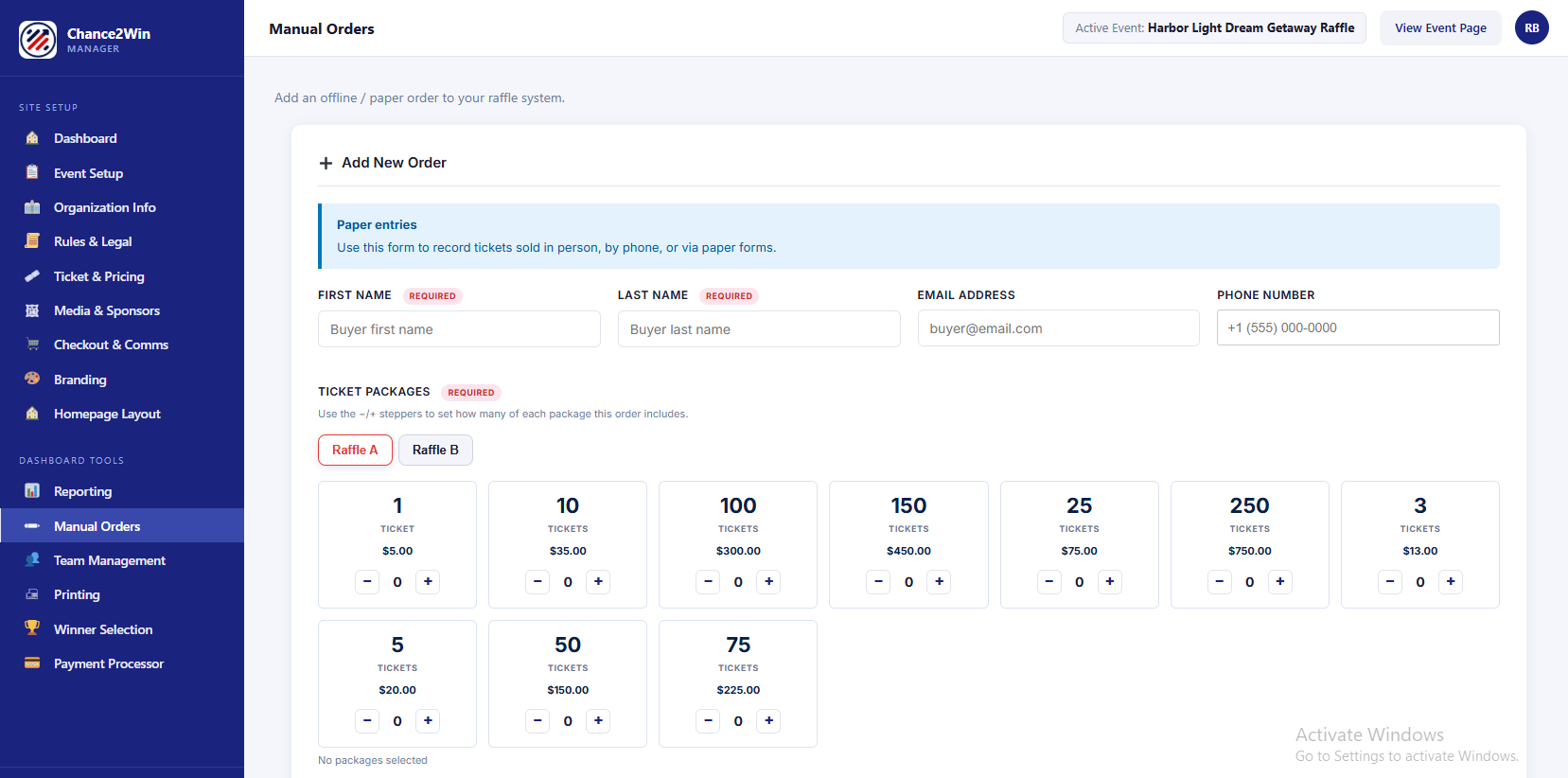
Entering an offline order #
- Enter the buyer’s First and Last Name (required), plus Email and Phone if you’ve got them.
- Use the + / − steppers on each ticket package to add quantities.
- Assign the tickets to specific prize categories.
- Review the auto-calculated Order Total.
- Pick a Payment Method — Cash, Check, or Other — add any Notes, and save.
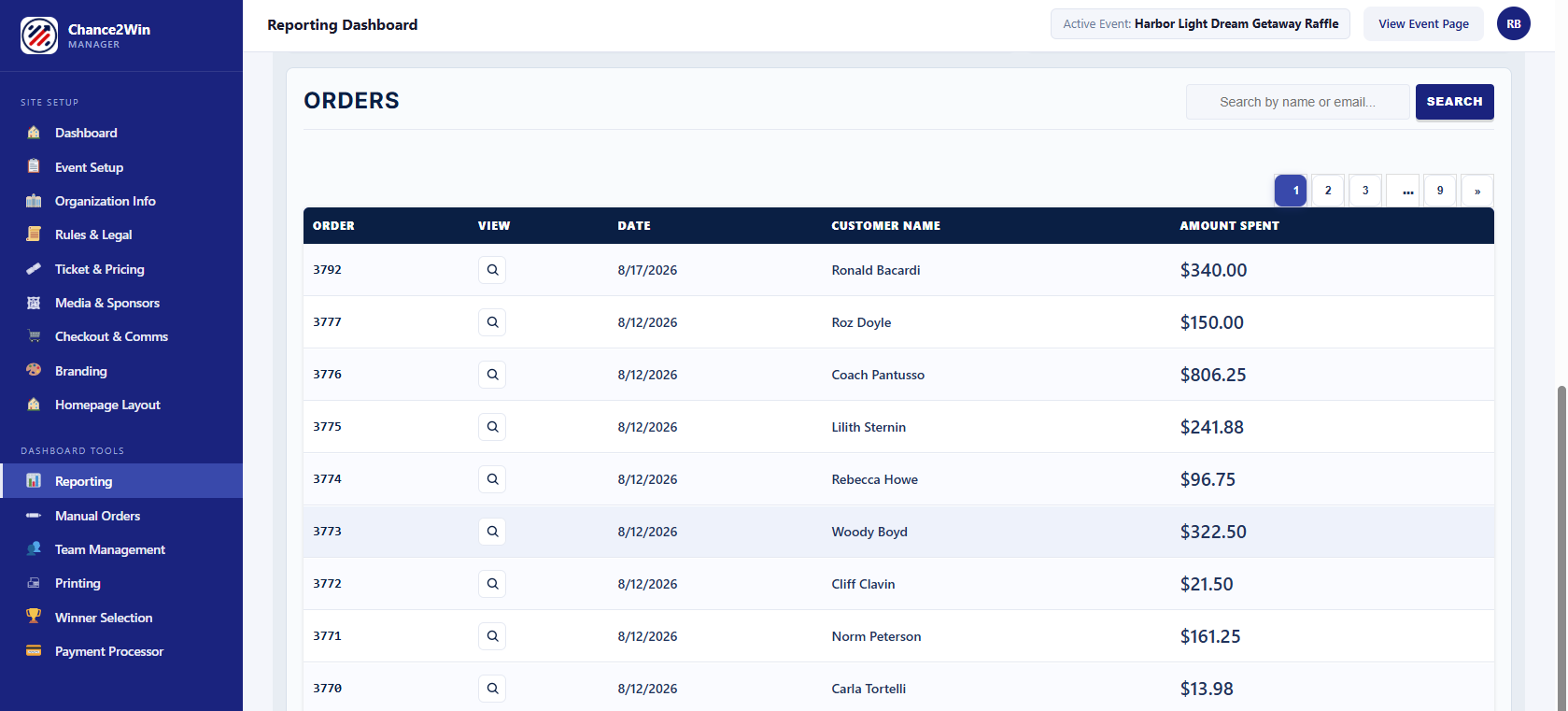
A “Past Manual Orders” panel below lets you review everything you’ve entered.
On a Zoom call with a nonprofit board, a volunteer held up the contact info for the winning ticket of their previous car raffle. The “contact information” was an illegible email scribbled on a diner napkin. No name. No phone number.
“It took us two months to figure out who the heck won the car,” she said.
That’s the whole reason Manual Order Entry exists. Cash and paper sales are real money — but only if you can find the buyer when their number comes up. Enter them here and the napkin never gets a vote.
This is the heart of hybrid raffles — one unified pool of online, cash, and check entries. It’s something Stripe-locked platforms simply can’t do.


